Here’s how to complete your purchase and choose your payment method on AniMeEon.
Follow these steps for a smooth shopping experience:
1. Select Products
When you find an item you want, click “Add to Cart!” on the product page.
In your cart, review the items and quantities you’ve selected.
2. Proceed to Checkout from the Cart
After confirming your items in the cart, click “Proceed to Payment.”
If you need to log in:
If you already have an account: log in with your email and password.
If you’re new to AniMeEon: create a new account before continuing.
Order Confirmation Screen
On the confirmation screen, review and complete the following:
- Enter Shipping Address
Select a registered address or add a new one.
Make sure that your shipping information is correct.
Register a Delivery Address Here - Select payment method
Choose from:
・Credit Card (Visa, Mastercard, American Express)
・PayPal (log in to your PayPal account to complete payment) - Review Order Details
Check your items, quantities, total cost, and any coupons applied.
If an estimated warehouse arrival date is displayed, confirm that your preferred shipping method is selected. - Confirm Your Order
If everything looks correct, click “Confirm Order.”
After your order is completed, a confirmation email will be sent to you.
*Important Notes
Items ordered together in the same cart will be shipped together automatically (pre-order items may be handled differently).
Learn more about Pre-Orders
Domestic shipping fees may vary depending on your order total and the shipping country/region.
See AniMeEon Domestic Shipping Fees
Check Your Order History
You can view your order details anytime in My Account → Payment History → Order History.
View Order History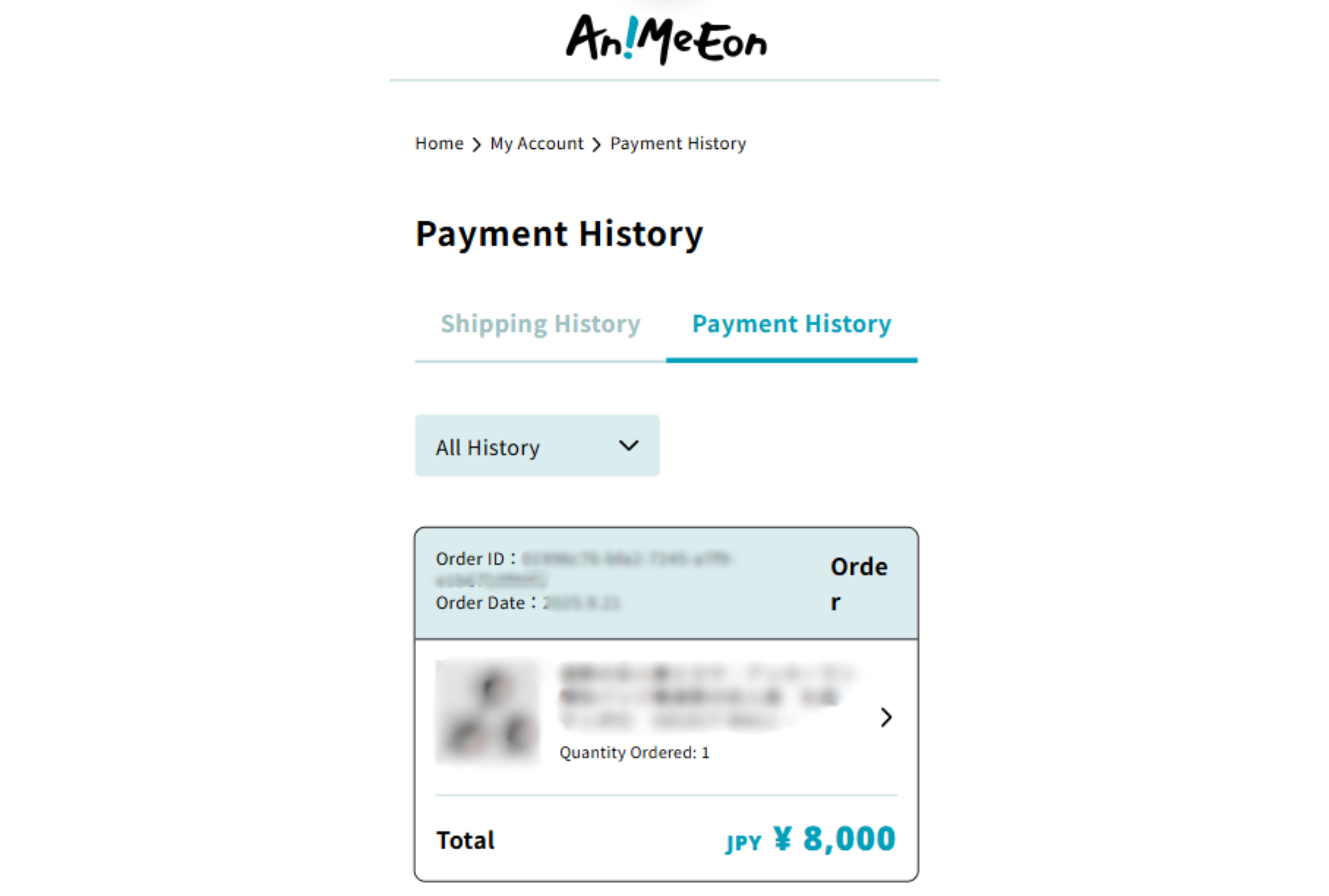
You can check:
- Order number
- List of ordered items
- Quantities
- Order total (product price + domestic shipping)
*From the Payment History page, you can also view:
- Refund history
- Additional charge history
Purchase Notification
Once your purchase is confirmed, you’ll receive a notification email.
*If an item is out of stock, that product will be canceled and refunded, while the rest of your order will continue as normal.